Worried your power meter will die mid-ride? Power meter battery life runs from about 20 hours per charge to about 300 hours per coin cell, depending on the design, and newer models may run longer. Here is what to expect and what to do.
This guide is part of our wider look at cycling power meters.
| Power meter type | Typical battery life |
|---|---|
| Crank and spider meters (coin cell) | 150-200 hours of ride time |
| Rechargeable pedals | 20-50 hours per charge |
| Coin-cell pedals | 100-120 hours |
| Hub meters (coin cell) | 200-250 hours |
| Rechargeable crank meters | 250-300 hours per charge |
These figures come from Elevate Cycling’s battery guide, a retailer’s overview rather than lab testing. Figures can change with new models and firmware, so check the source and your maker’s manual before you rely on them.
What power meter battery life looks like by design
There is no single answer, because the battery depends on where the meter sits on the bike. The big split is between replaceable coin cells and built-in rechargeable batteries.
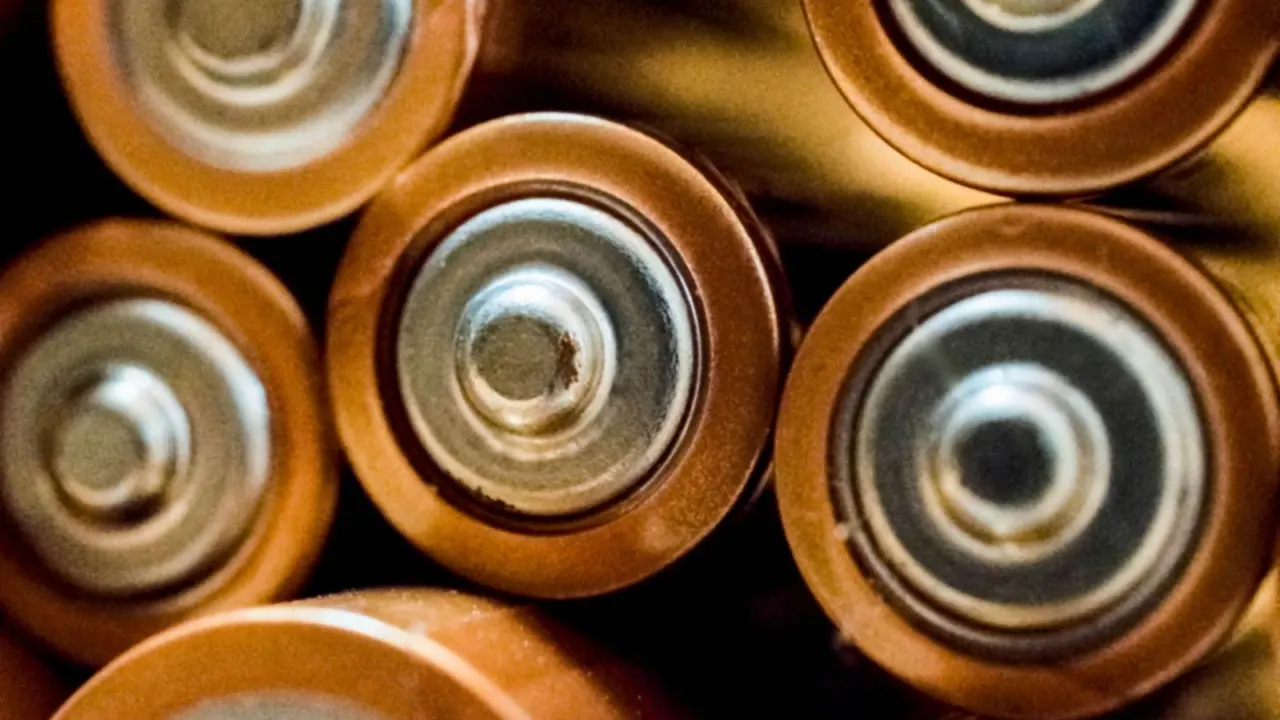
Crank and spider meters commonly use coin cells, and the cell type varies by model, so check your manual. According to Elevate Cycling, these typically last 150-200 hours of ride time. That is a long time for a button-sized cell, but it adds up quickly for anyone who trains daily.
To turn hours into a calendar, divide the rated hours by the time you ride in a typical week. A rider doing a few hours a week may go most of a year on one cell, while a rider logging long weekly volume may change it every few months.
Hub meters sit higher, at roughly 200-250 hours on a coin cell. Rechargeable crank-based options are said to manage 250-300 hours per charge, depending on brand.
Pedal battery life varies widely by model. Some rechargeable pedals last 20-50 hours per charge, while coin-cell versions last about 100-120 hours.
- Coin cell: swap it in a minute, carry a spare, no charging routine.
- Rechargeable: no spare cells to buy, but you must plug in on a schedule.
- Left-only versus dual-sided: two sensors usually means two batteries to look after.
Coin cell or rechargeable: which is easier to live with?
Coin cells suit riders who log long weeks and hate remembering to charge. When the cell dies, you open the battery door, swap it and carry on. A spare in your saddlebag turns a dead meter into a quick roadside job.
The downside is that coin cells are easy to fit badly. Cells also differ between brands, so buy the type your manual names rather than a lookalike. Buy from a reputable seller and keep the spare in its packaging so it cannot short against keys or coins.
Rechargeable units suit riders who want a sealed, tidy design. The catch is the charging habit. A meter left in a drawer for months can drain flat, and some makers add a storage or travel mode to prevent that.
Garmin’s Rally 110/210 owner’s manual says the pedals are packaged in travel mode to preserve battery life. It also advises using that mode before travelling or storing the pedals for an extended period.
If you are weighing designs, our guide to power meter pedals covers how each style handles battery and installation.
What shortens battery life in practice?
Published hours are best-case estimates. Your own results will vary, and several things push them lower.
- Cold weather reduces battery efficiency, so winter rides can drain a cell faster.
- Constant connections to a head unit, phone and app all at once can add drain.
- Leaving the meter awake between rides, for example on a bike that gets knocked or spun, uses a little power each time.
- Cheap or old cells may hold less charge than a fresh cell from a reputable brand.
- Moisture in the battery compartment can corrode contacts and cause odd drops in power data.
Forum posts from riders often report coin cells dying sooner than the maker states. Those are individual anecdotes, not tested results, but they are a good reason to track your own hours.
How to tell when the battery is low
You rarely need to guess. Per Elevate Cycling, most head units from Garmin, Wahoo and Hammerhead warn you when the power meter battery is low. Most cycling computers also show a battery status indicator or give a low-battery warning during your ride.
Do not wait for that warning before a big event. A simple habit works better:
- Note the date and the odometer or hours when you fit a new cell or finish a charge.
- Check the battery level on your head unit before every long ride.
- Replace the cell or recharge early if you are near the low end of the expected range.
- Keep one fresh spare cell in your bag for coin-cell meters.
Replacing a coin cell without ruining your data
Battery changes are a common moment for things to go wrong. A badly seated cell, a damaged seal or an overtightened door can all cause dropouts or leaks.
- Wipe the area around the door clean and dry before you open it.
- Remove the old cell and check the contacts and seal for dirt, corrosion or damage.
- Fit the new cell the right way up, as shown in your manual.
- Close the door to the torque or tightness your maker specifies, no more.
- Wake the meter by spinning the cranks or pedals, then confirm it pairs with your head unit.
After a change, it is worth checking your zero offset. Our explainer on power meter calibration shows how to do that and why numbers can shift after the meter loses power.
Choosing a battery type for your riding
Match the battery to how you ride, not to the biggest figure on a spec sheet. A longer rating helps most when you ride a lot, travel often or move a meter between bikes.
- High-volume riders: a long-lasting coin cell or rechargeable crank means fewer interruptions.
- Racers and event riders: a meter you can refresh the night before, with a spare cell ready, removes a pre-race worry.
- Riders who swap bikes: pedals move easily, but each swap is a chance to forget a charge.
- Winter riders: allow extra margin, because cold cuts efficiency.
Also think about how you will notice a flat battery. A meter that pairs reliably with your head unit and reports its level clearly is easier to manage than one that simply goes quiet. Once you have a routine, battery care becomes a minor chore rather than a source of lost ride data.
Finally, keep the manual for your exact model. Cell type, door torque, storage advice and charging method differ between makers, and the manual is the authority on all of them.
Frequently asked questions
How long does a power meter battery last?
Show answer
It depends on the design. Elevate Cycling puts the range at anywhere from 20 hours per charge to 300 hours per coin cell.
Do all power meters use CR2032 batteries?
Show answer
No. Crank and spider meters often do, but many pedals and some cranks use built-in rechargeable batteries, and some pedals use other coin cells. Check your model’s manual.
Does cold weather affect power meter batteries?
Show answer
Yes. Cold weather reduces battery efficiency, so expect fewer hours in winter than the published figure.
How should I store a rechargeable power meter?
Show answer
Follow your maker’s guidance. Garmin’s owner’s manual for its newer Rally pedals, for example, describes a travel mode that helps preserve battery life during storage.
Can I trust the published battery hours?
Show answer
Treat them as best-case estimates. Cold, constant connections and cell quality all change real results, so log your own hours and replace early before an important event.